Ideal for parents wanting to teach coding to their children at home. (Personal use)
Choose your billing period
Choose your Child count
All modules included!
Curriculum support included
Instant access to age-appropriate curriculum, yearly plans, and teacher resources.
big futures!
Plan Summary
Great Choice!
Pay for 10 months, use for 12 months. 2 months free!
You will enter your organization details in the next step.
Five play modes
Children start before they can read and carry on writing their own games. Packages differ by how many people use them, not by which modes they get.
Junior
ages 3–5Tap and HIPO walks. No reading needed — the goal is clear from the picture alone.
Junior+
ages 5–9Blocks go on the strip and become a program. Loops, repeats and conditions start here.
Robotics
ages 9+Build the circuit on screen, write the code, run it. A first step into Arduino.
Free mode
any ageDraw your own character, build the stage, write the game. There is no finish line.
HipoType
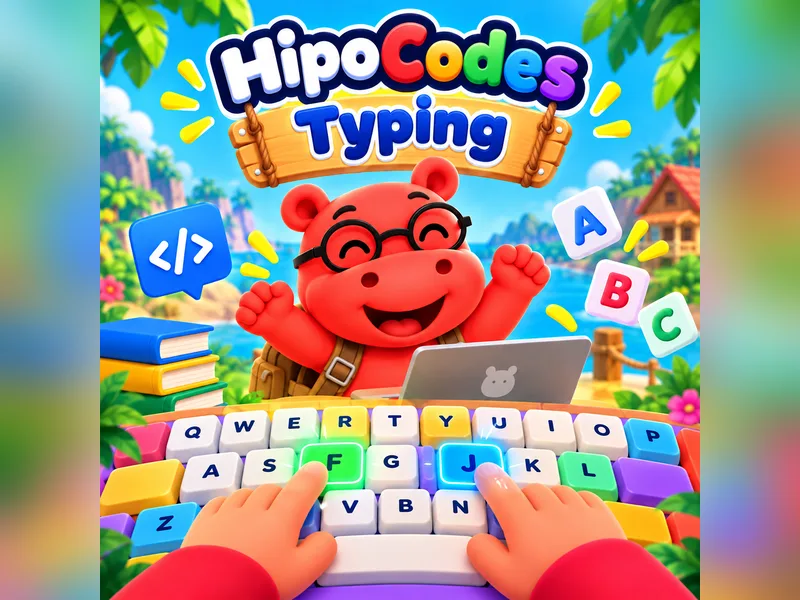
ages 7+Touch typing: coloured keys and ghost hands show which finger presses. No timer, no penalty.
Frequently asked questions
Which package should I choose?
Look at how many children there are. At home it is the number of children, if you give private lessons it is the number of students, and for a school it is the number of classes. If none of them fit, write to us from the “get a quote” step at the bottom — we work out the price of large setups together.
Is it suitable for my child's age?
From age 3 onwards. The first level needs no reading or writing: the levels are understood from the picture alone, with no spoken or written explanation. When a child is ready, they move on to the next level themselves.
Can I change the period?
You can. Monthly, 3-month, 6-month and yearly are payment forms of the same package: the time you have left counts towards the new period and you pay the difference. Moving to a shorter period takes effect at the end of the period.
Is the robot required?
No, and it is not on sale today anyway. Every level is playable without a robot; the robot is an add-on that walks the on-screen program across the desk. Robot packages sit on the page as “coming soon” — use the button on that row to hear about it first.
How many students can I add?
Packages are set flexibly, directly by student count. There is no class limit. You can follow your seat count live from the “My package” page in your panel.
If a student leaves, is the seat lost?
No. As long as your subscription continues, you can register a new student in place of the one you removed, at no extra cost. The moment a seat frees up it becomes available again.
Are there hidden costs or a setup fee?
All our prices include taxes. There are no surprise in-app payments, no setup fee and no extra hardware cost.
How do we start for our school?
Fill out the form or pick your package. Setup happens instantly and your system opens with your own school name and logo. You can invite teachers and add your children right away.
Not sure which package fits you?
Fill out the form and we will work out together which one is right for your child's age or your school's size.